
Download Bixorama – Panoramic Image Transformation, Geometric Design, Creative Photography Tool
Overview
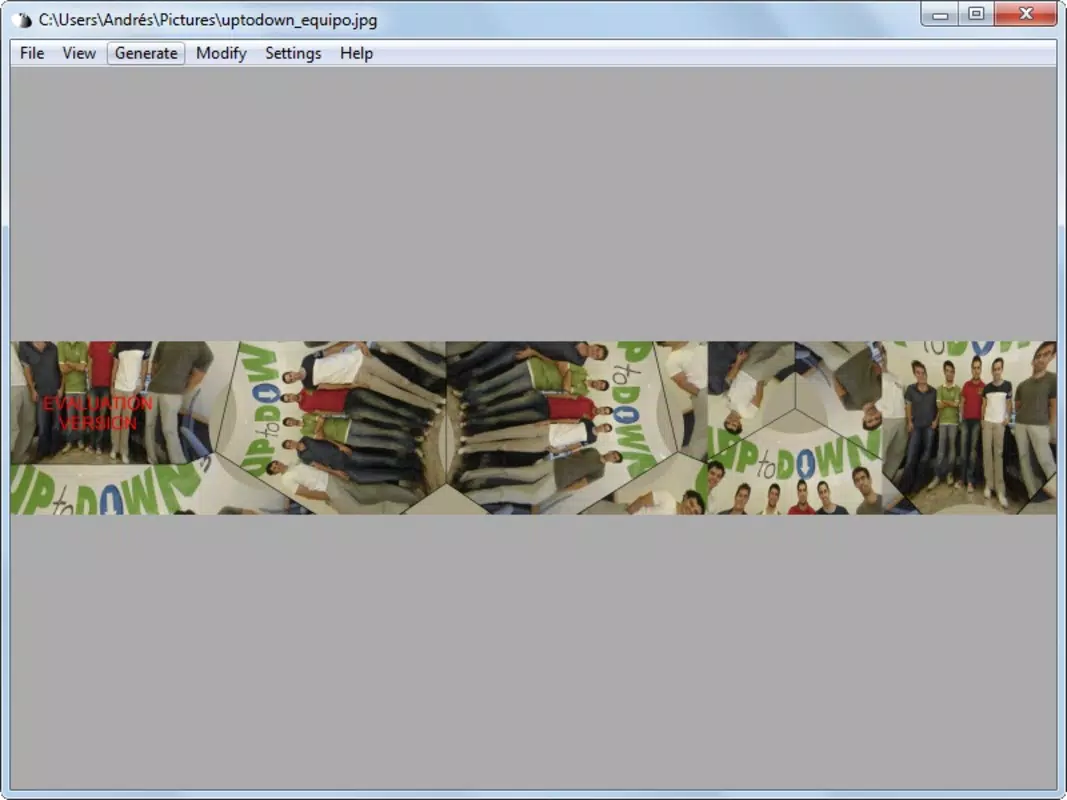
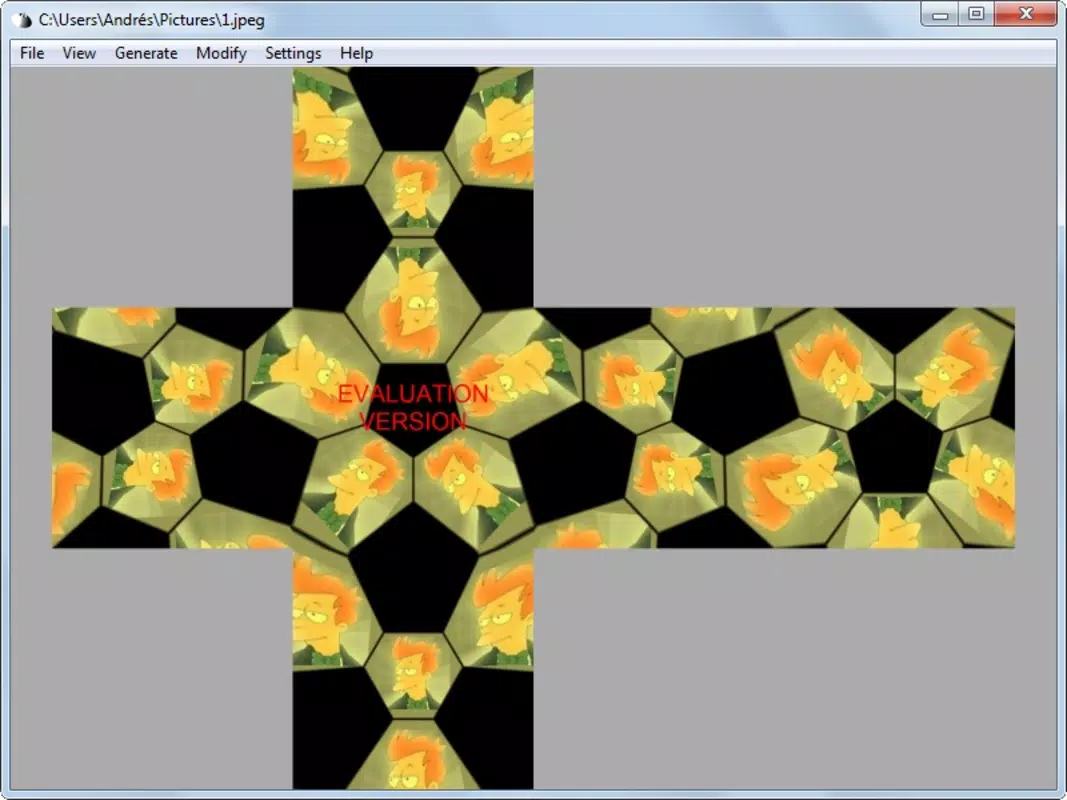
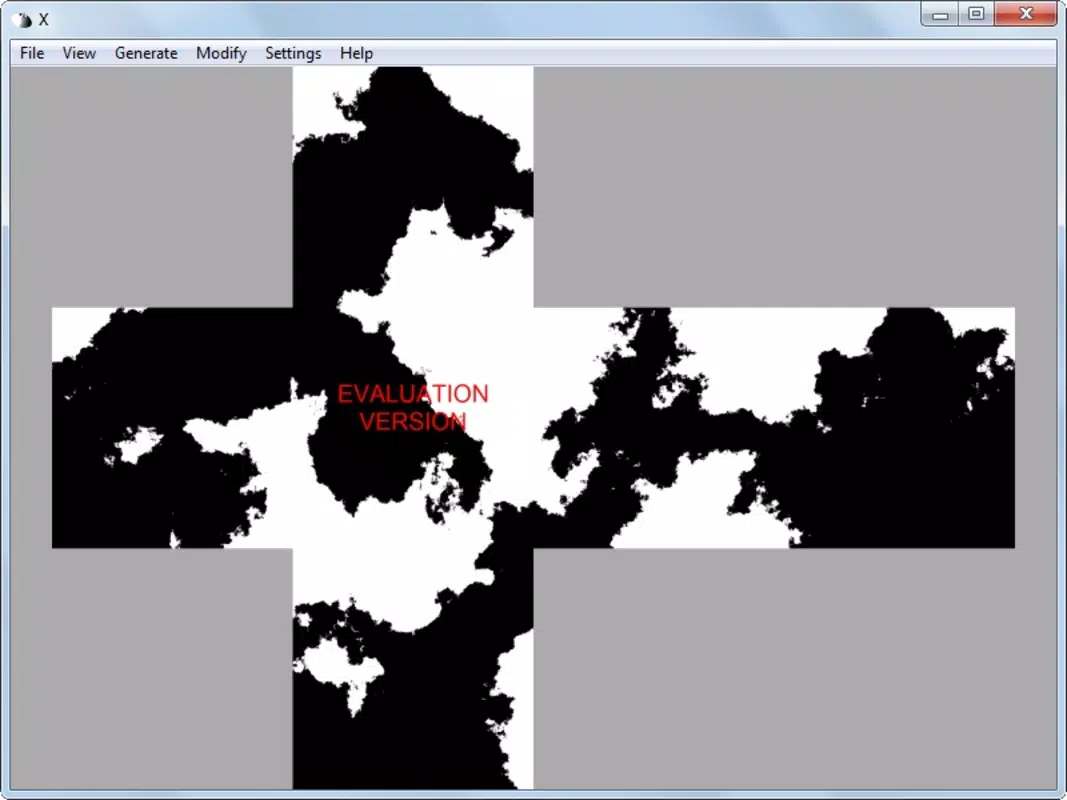
Bixorama is a specialized mobile application designed to convert panoramic images into a range of geometric formats, including angular maps, spheres, and cubes. This functionality enables users to transform standard panoramic photos into visually striking, three-dimensional representations, opening new creative possibilities for digital artists, photographers, and design enthusiasts. The app addresses the need for accessible tools that simplify complex geometric transformations, traditionally requiring advanced software or technical expertise. By streamlining this process, Bixorama empowers users to experiment with spatial visualization and creative composition without a steep learning curve.
Target users include graphic designers, hobbyist photographers, and digital artists interested in innovative image manipulation. The app’s focus on panoramic imagery makes it particularly valuable for those creating immersive visual content, such as virtual tours, artistic installations, or interactive media. Although the developer did not provide additional background information, the app’s release date of January 8, 2016, indicates a long-standing presence in the niche market of creative image tools. Bixorama fills a specific gap in the mobile ecosystem by offering a portable, efficient solution for geometric image transformation, catering to users who value both precision and creative freedom.
Key Features & Functionality
- Multiple Format Support: Bixorama supports eleven file formats, including QuickTime VR and DirectX DDS, ensuring compatibility with widely used platforms and software ecosystems.
- Intuitive Interface: The app features a simple and user-friendly layout that allows users to navigate and execute transformations with minimal effort, even without technical experience.
- Rapid Processing: Complex geometric conversions, such as generating a custom soccer ball pattern with unique logos on each hexagon, can be completed in under ten seconds, demonstrating high efficiency.
- Geometric Design Specialization: The app is tailored specifically for transforming panoramic photographs into geometric shapes, offering a focused set of tools that serve a niche yet valuable creative need.
- Creative Inspiration: By enabling users to explore new ways of representing panoramic content, Bixorama fosters experimentation and innovation in digital art and visual storytelling.
For example, a photographer could use Bixorama to convert a 360-degree landscape shot into a spherical display for a digital art exhibit. A graphic designer might use it to generate a cube map for a virtual environment in a game prototype. These real-world applications highlight the app’s versatility within its specialized domain. The seamless integration of format compatibility and fast processing makes Bixorama a practical tool for both quick experiments and professional workflows.
Interface, UX & Performance
The user interface of Bixorama is designed with simplicity and functionality in mind, featuring a clean layout that prioritizes ease of access to core tools. Navigation is straightforward, allowing users to import panoramic images, select transformation types, and apply settings with minimal steps. Visual feedback is consistent, helping users understand the impact of each adjustment in real time. The app’s responsiveness appears to be optimized for smooth operation, although the developer did not list formal performance metrics or device-specific benchmarks.
While the app’s performance across different device categories was not disclosed, the emphasis on rapid results suggests efficient processing algorithms. Stability is implied by the app’s long-standing availability since 2016, indicating consistent functionality over time. Users can expect a stable experience when performing standard transformations, though the absence of detailed technical specifications limits definitive assessment. The interface maintains a professional aesthetic, avoiding clutter while providing all necessary controls. Overall, the UX is well-suited for users seeking a focused, no-frills tool for geometric image conversion.
Platform Compatibility & Technical Requirements
Bixorama is available on the Android platform, with a software version released on January 8, 2016. The app’s file size is not specified, which may affect installation on devices with limited storage. The developer did not provide minimum OS requirements, nor did they list supported hardware specifications. As a result, compatibility with newer Android versions or specific device models cannot be confirmed.
Users are advised to check their device’s compatibility before installation, as the app’s age and lack of updated system requirements may impact functionality on modern devices. The absence of information about iOS availability indicates that the app is currently exclusive to Android. For those seeking a mobile solution for panoramic image transformation, Bixorama offers a dedicated tool, though its technical constraints require careful consideration before use.
Pros and Cons
- Specialized tool for transforming panoramic images into geometric formats
- Supports multiple file formats, including QuickTime VR and DirectX DDS
- Intuitive interface enables quick learning and efficient use
- Delivers fast results, even for complex transformations
- Appeals to both hobbyists and professional designers in creative fields
- Limited to Android platform; no iOS version available
- File size and system requirements were not disclosed
- No recent updates or development activity indicated since 2016
- Compatibility with modern Android versions is uncertain
- Developer background and support details are not publicly available
FAQ
Is Bixorama available for iOS devices?
The app is currently available only on Android. No iOS version has been released or announced.
What file formats does Bixorama support?
Bixorama supports eleven file formats, including QuickTime VR and DirectX DDS, ensuring broad compatibility with existing digital content.
Can I use Bixorama for professional design projects?
Yes, the app’s ability to generate geometric transformations quickly and accurately makes it suitable for professional creative workflows, particularly in graphic design and digital art.
Is Bixorama free to download and use?
The app’s pricing information was not provided. Users should check the app store listing for current pricing and availability.
How often is Bixorama updated?
The last release was on January 8, 2016. No recent updates have been reported, so the app may not be actively maintained.
Final Thoughts
Bixorama stands out as a niche yet powerful tool for users interested in transforming panoramic images into geometric forms. Its specialized functionality, combined with a streamlined interface and rapid processing, makes it a compelling choice for creative professionals and enthusiasts alike. While its age and lack of updated technical details present some limitations, the app remains a viable option for those seeking a mobile solution for geometric image design. Its focus on compatibility with industry-standard formats adds to its value in professional environments.
For users who need to convert panoramic content into spheres, cubes, or angular maps with minimal effort, Bixorama delivers a focused and effective experience. Despite its outdated status, it continues to serve a specific creative need in the mobile app landscape. If you're exploring innovative ways to present panoramic photography, this app offers a unique approach worth considering.
Download Bixorama now


